> For the complete documentation index, see [llms.txt](https://docs.neurobuildingsystems.com/llms.txt). Markdown versions of documentation pages are available by appending `.md` to page URLs; this page is available as [Markdown](https://docs.neurobuildingsystems.com/user-guides/issues.md).
# Issues
Welcome to the Issues module! This section helps you keep track of current performance issues based on your selected filters. Here’s how to navigate and use the features:
### **Features:**
* **Issues Table**\
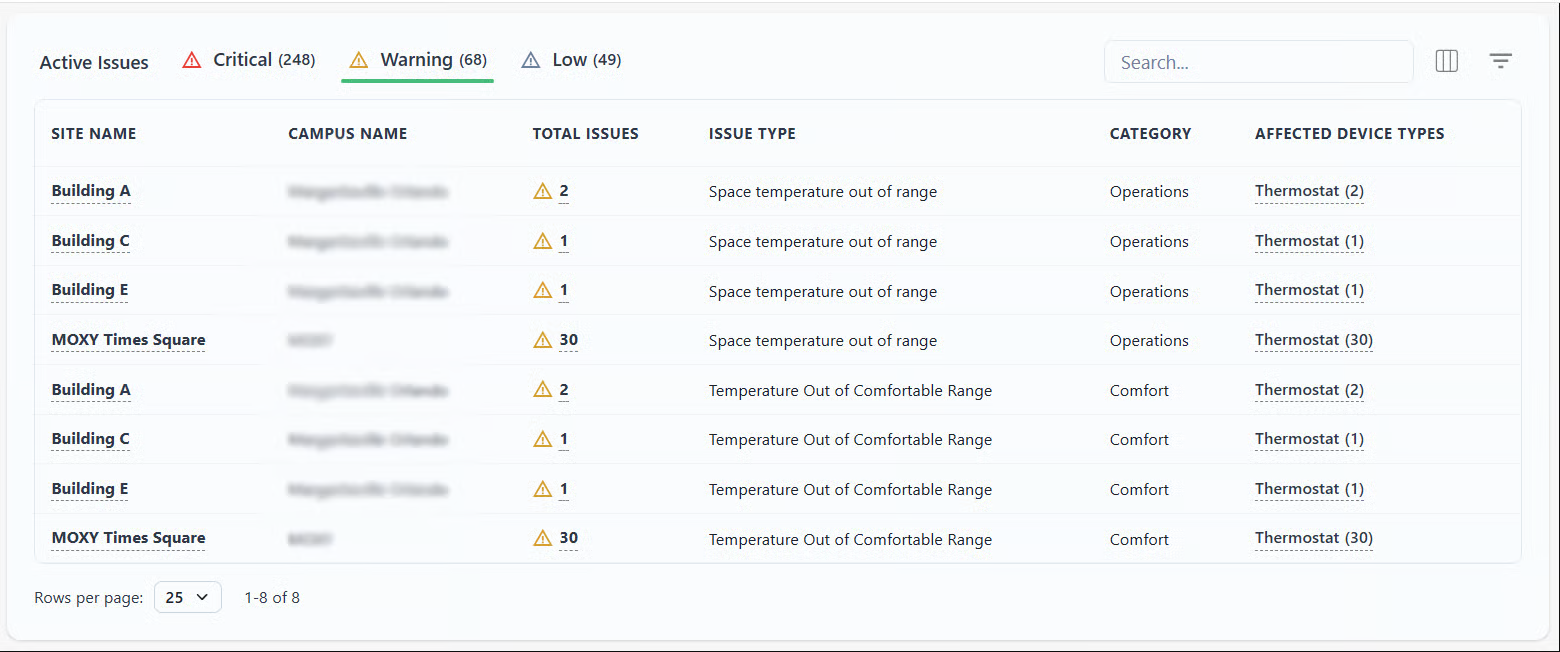
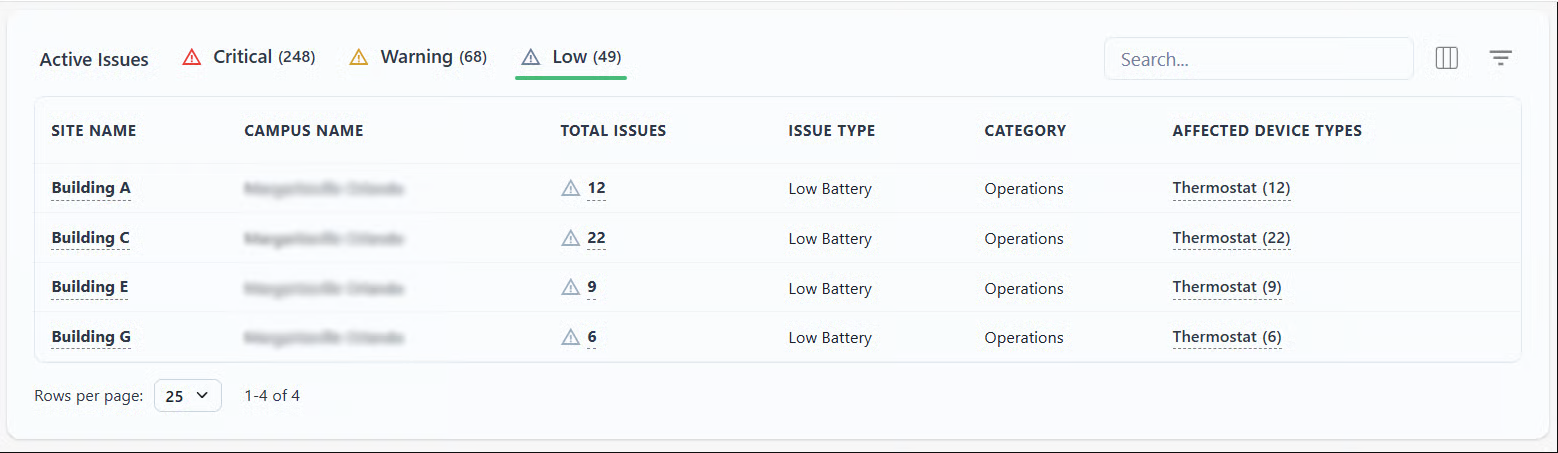
Each tab lists the different issues in accordance with the sites. The table lists the building name, total number of issues, issue type, category, and affected device types. All of the data can be filtered using the two buttons on the top right-hand corner.
* [⚠](#user-content-fn-1)[^1]**Critical issues**
* ⚠ **Warning**
* ⚠ **Low issues**
* **Building names**\
By clicking on the building name, you will be redirected to an overview page for that specific site.
* **Issues**\
By clicking on the Affected Device type listed, you will be redirected to an overview page from that building's issues
* **All Issues Table**\
Has the issues listed and gives the following information: Priority, Issue type, Category, Device Affected, Device Type, Location, time and date of First Detection, and Status. By clicking on the device affected, you will be redirected to a new tab with the overview of that specific device.
* **Total Issues by Device Table**\
Has the Device name, Area, Device Type, and the degree of the issue (Critical, warning, low). By clicking on the device name, you will be redirected to a new tab with the overview of that specific device.
[^1]: